

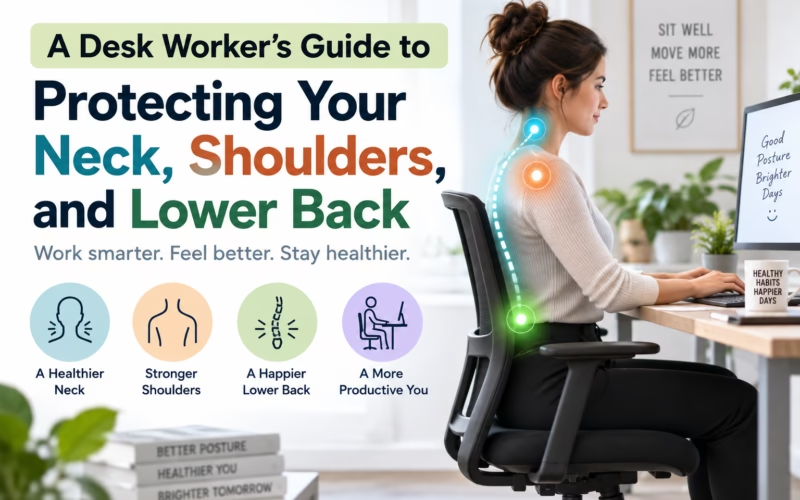
A long day at a computer can leave the neck feeling stiff, the shoulders tense, and the lower back uncomfortable. These symptoms are common among desk workers, especially when concentration, meetings, and deadlines make several hours pass with very little movement. The discomfort may seem like an unavoidable part of office work, but small changes to the way the day is organized can often make sitting more manageable.
Prolonged sitting is not automatically harmful, and there is no single perfect posture that everyone must maintain. The greater issue is often staying in one position for too long. Even a posture that feels comfortable at first can become tiring when the same muscles and joints are asked to hold it for hours. Screen use can add to the strain when the head gradually moves forward or the shoulders remain raised while typing.
Start by considering where the monitor sits. The screen should be positioned so that its main viewing area can be seen without repeatedly looking far downward, turning the head, or leaning toward it. If the text is difficult to read, adjusting the display settings may be more useful than moving the face closer to the screen. People who work from multiple screens should place the one they use most directly in front of them when practical.
Chair position also affects comfort. Sitting close enough to the desk can reduce the need to reach forward for the keyboard and mouse. The chair should support a relaxed position in which the feet can rest securely and the arms can work without the shoulders being held near the ears. The lower back may feel better when it has some support, but the setup should not force the spine into an exaggerated or uncomfortable position.
An ergonomic setup can help, but equipment cannot replace movement. A carefully arranged workstation still becomes uncomfortable when someone remains motionless throughout the day. Short, regular breaks give the body a chance to change load and let tired muscles work differently. A break does not need to involve a formal exercise routine. Standing during a phone call, walking to refill a glass of water, or gently moving the shoulders and spine can be enough to interrupt a long period of sitting.
Alternating posture is usually more realistic than trying to hold an ideal position. You might sit upright while typing, lean back during a meeting, stand for part of a call, and walk briefly between tasks. These changes distribute demand across the body instead of asking one area to tolerate the entire workday. The best posture is often simply the next comfortable posture rather than one rigid position maintained perfectly.
It also helps to connect movement with existing parts of the day. Standing after sending a report, walking after a meeting, or changing position whenever a new task begins can make breaks easier to remember. The aim is not to interrupt productive work constantly. It is to prevent concentration from turning into several uninterrupted hours in the same position.
Pay attention to early signals rather than waiting for discomfort to become intense. Mild tightness may be a cue to move, adjust the screen, relax the hands, or change how the arms are supported. Repeatedly pushing through symptoms can make it harder to identify which part of the routine is contributing. Notice whether discomfort is linked with particular tasks, times of day, or workstation arrangements.
Exercise and activity outside work can also support tolerance for desk based demands. Walking, strength training, recreational activity, and comfortable mobility work all provide opportunities to use the body in ways that sitting does not. There is no single exercise that prevents every workplace ache, so the most useful activity is often one that is appropriate, enjoyable, and sustainable.
Occasional stiffness that eases after movement is different from discomfort that becomes persistent, increasingly painful, or limiting. Professional assessment may be appropriate if symptoms continue despite reasonable workstation changes and movement breaks, interfere with sleep, restrict the ability to turn the head or use an arm, or include ongoing numbness, tingling, or weakness.
Someone whose discomfort persists despite these adjustments might consider contacting a local physiotherapy clinic such as Remedy Physio Clinic to ask whether an assessment is appropriate. A physiotherapist can generally evaluate how symptoms relate to movement and function and help determine whether structured care may be useful.
Desk work does not require holding the body perfectly all day. A sensible setup, frequent changes of position, regular movement, and attention to emerging discomfort are more practical goals. Small adjustments made consistently are usually easier to maintain than a complete workstation overhaul that is forgotten within a week.
This article provides general information and is not a substitute for individualized medical advice. Consult an appropriate healthcare professional about persistent, worsening, or concerning symptoms.
